Field details stay with the job
Store site photos, service information, troubleshooting notes, labor, materials, and customer updates where the office can find them later.
Electrical job management software
ElectriTrack gives electrical contractors one place to manage customer details, scope, permits, panel information, field photos, troubleshooting notes, estimates, invoices, and payment status.
Built for electrical work
The workday starts from a clear job list, then every field detail, permit note, and financial next step stays connected to the same record.
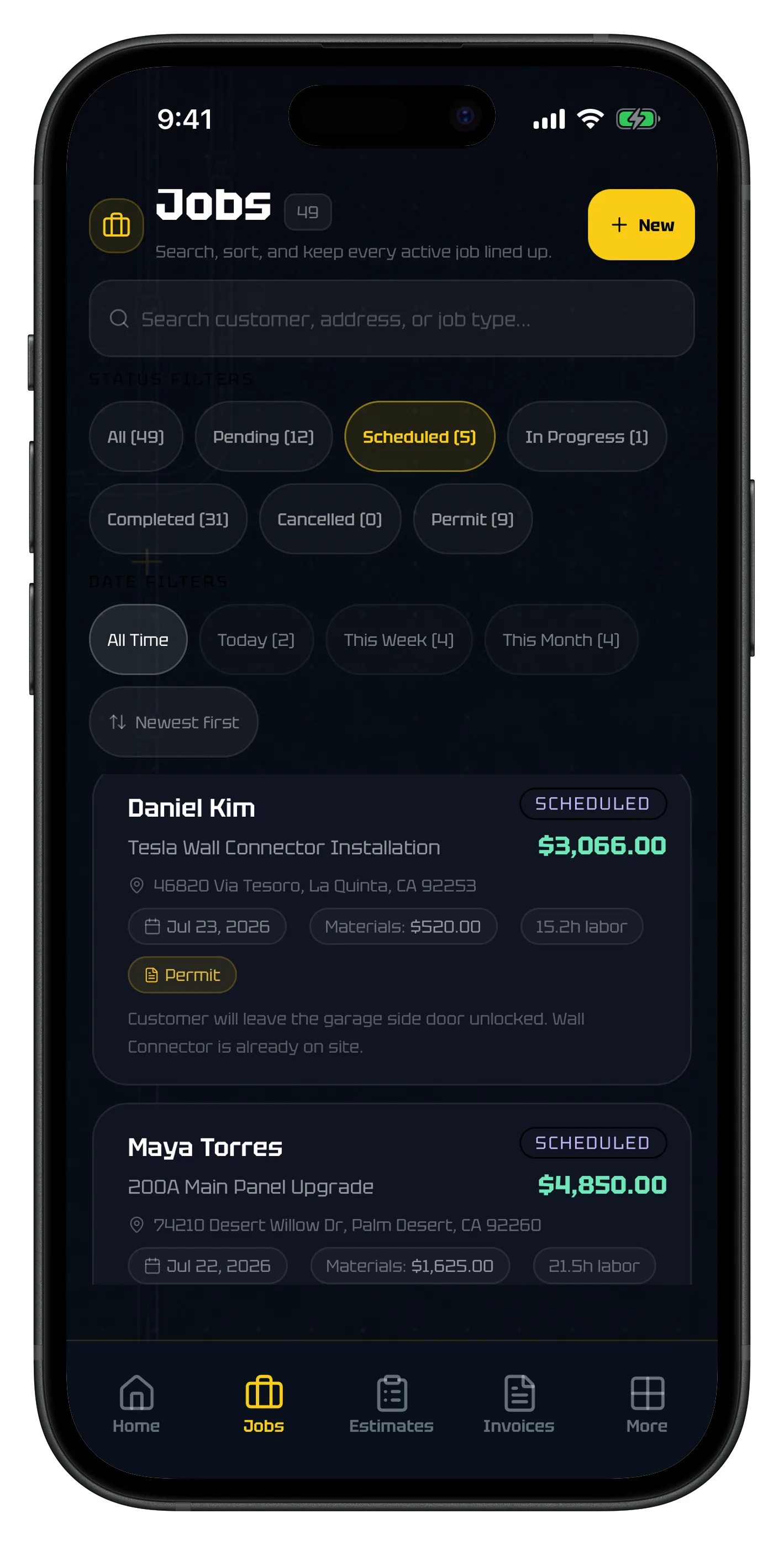
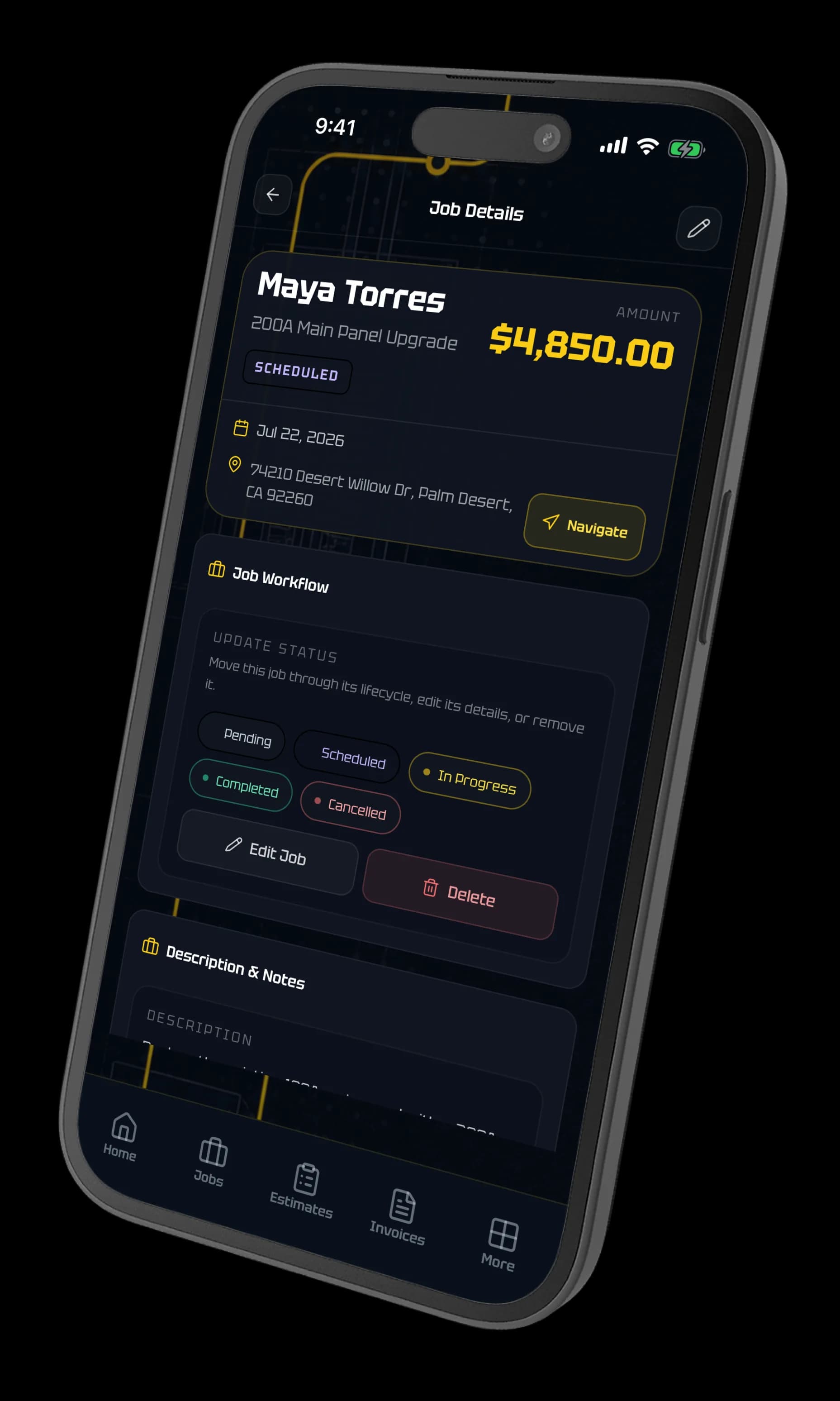
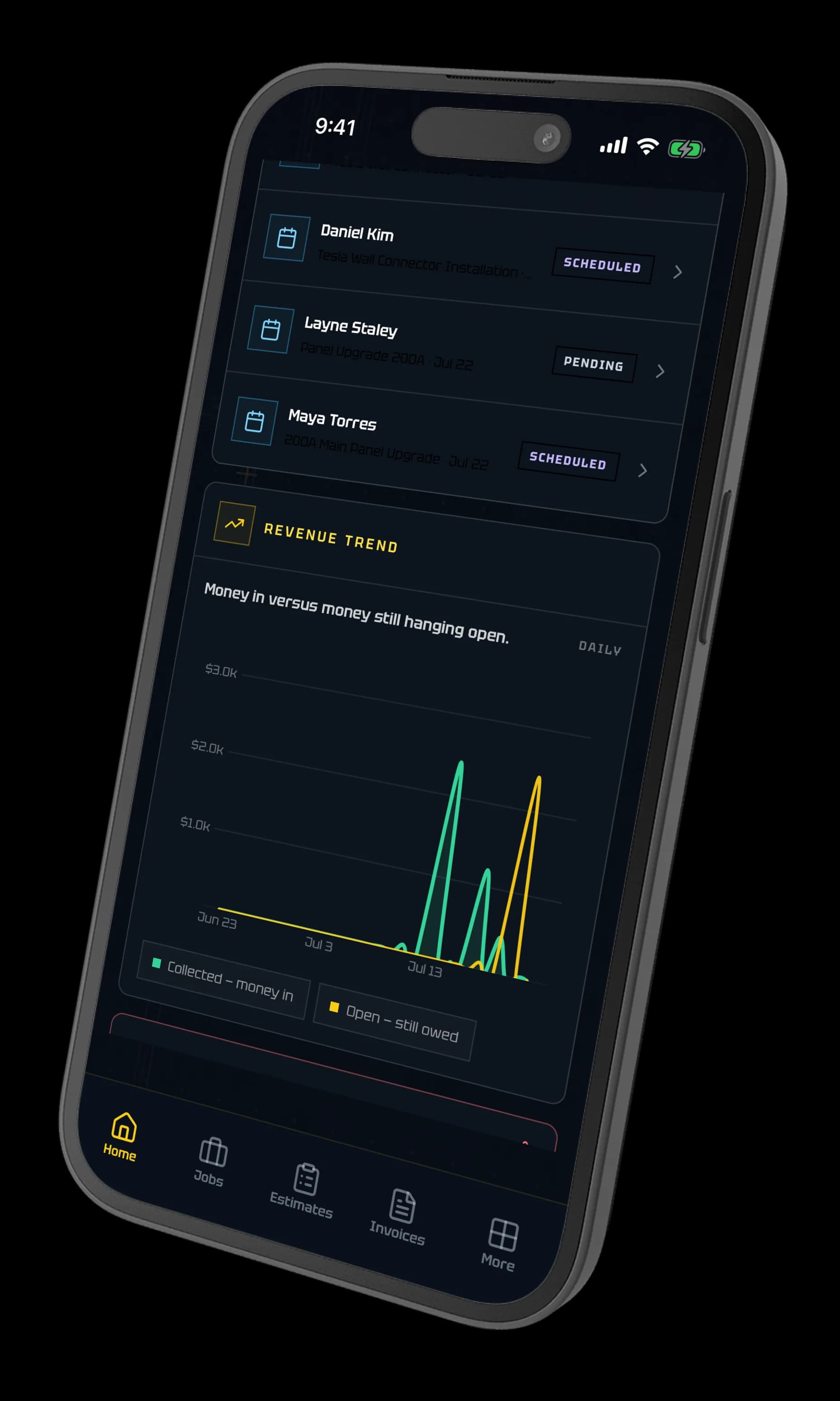
Electrical job management software is a system for organizing an electrical contractor’s work from the first customer request through estimating, field execution, documentation, billing, and closeout. Unlike a generic task manager, electrician-specific software keeps details such as permit status, inspection dates, panel schedules, service notes, site photos, material costs, and change orders attached to the same job record.
Why it matters
Store site photos, service information, troubleshooting notes, labor, materials, and customer updates where the office can find them later.
Turn an accepted estimate into a job and use the completed job record to prepare the invoice without rebuilding the scope.
Track panels, permits, inspections, utility notes, service calls, EV installs, and change orders instead of forcing them into generic work-order fields.
Review revenue, material cost, profitability, job status, unpaid invoices, and work that needs follow-up from one dashboard.
How the workflow connects
Build line items, pricing, deposit terms, schedule details, and a customer-ready estimate.
Keep permits, panel data, diagnostic notes, photos, labor, materials, and scope changes with the job.
Create the invoice, share a customer payment page, and preserve a clean job history for future service.
Direct answers
It is for electrical contractors who need to organize customer work, field documentation, estimates, permits, invoices, and follow-up. ElectriTrack is especially focused on residential and light-commercial contractors doing service, panel, and permit work who want trade-specific depth without enterprise software overhead.
Generic field service tools usually center on scheduling and work orders. ElectriTrack adds electrical context such as panel schedules, permit and inspection tracking, utility notes, troubleshooting records, field photos, and electrical job templates.
Yes. ElectriTrack can convert an accepted estimate into a job while preserving the original estimate record, reducing duplicate entry as the work moves forward.
Yes. Contractors can share public estimate approval links, send invoice payment pages, accept supported online payments through Stripe Connect, and track payment state.
Bring jobs, field notes, estimates, permits, customer approvals, invoices, and payments into one practical workflow.
Get started